
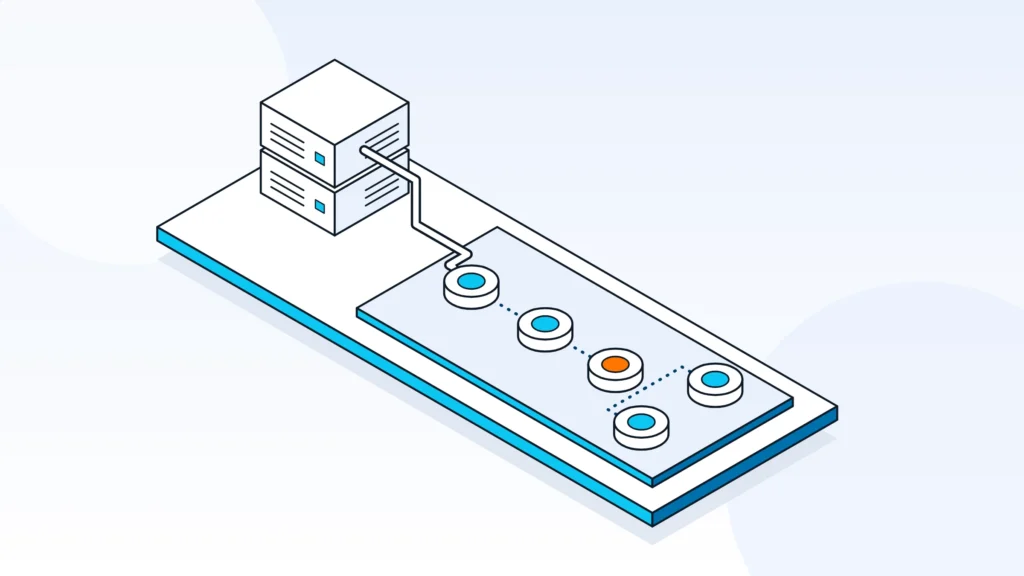
Yes. Make.com (formerly Integromat) connects to Priority ERP through Priority's REST API, which is based on OData. Cadmon Systems, a Make.com Gold Partner in Israel, builds Make.com and Priority ERP integrations that read and write customers, orders, documents, stock, custom forms and subforms.
Can Make.com integrate with Priority ERP?
Yes, Make.com can integrate with Priority ERP through Priority's REST API. A Make scenario sends requests to the forms your Priority administrator has opened to the API, so Priority becomes one step in a flow that can also touch an online store, monday.com, a spreadsheet or an AI service.
Make is an iPaaS, a platform that connects systems through visual scenarios. The practical question is rarely whether the connection is possible. It is how much of Priority the scenario needs to reach, which forms are open to the API, and who will keep the integration working when either side changes.
Priority ERP integration through the OData API, custom forms and subforms is one of the five service pillars at Cadmon Systems, an Israeli automation and AI integration consultancy. The sections below explain how the connection works, what companies automate with it, what to check before you build, and how Cadmon Systems runs these projects.
How Make.com connects to Priority ERP
Make.com connects to Priority ERP by calling Priority's REST API from a scenario, usually with Make's HTTP module. Before the first call, a Priority administrator opens the forms the scenario needs to the API, and the company confirms its API license and authentication method.
Priority opens forms to the API
Priority's REST API does not reach every screen by default. For access through the REST API, a Priority administrator makes each upper-level form available in the API Forms list, and its subforms are then included automatically. That is how a scenario reaches standard forms, such as customers and orders, and also the custom forms and subforms built for your company.
Check Priority's API documentation for the exact endpoints, forms and field names your company uses, because custom forms and fields differ from one Priority environment to the next.
What a Make scenario can read and write
Once the forms are open, a Make scenario can read, create and update records such as customers, orders, invoices and stock, including custom forms and subforms. Each request names the form, the method and the fields, and the response flows into the next module, so you can filter, route and map data around Priority like any other step.
The design work is in the details: matching an incoming order to an existing customer, writing order lines into the right subform, handling a sequence of requests that fails halfway, and retrying without creating duplicates. This is where a scenario stops being drag-and-drop and needs integration design.
Authentication
Priority's REST API supports Basic authentication, personal access tokens and OAuth2 (External ID). Check which of these your Priority environment uses, keep credentials in Make's connection settings rather than in scenario fields, and rotate them on a schedule your IT team already uses.
API license and transactions
API access is part of your Priority licensing, and Priority counts API transactions, sold in monthly packages. Since Priority version 25.1, all API users share one transaction pool. Each record you create or update counts: creating one order with five lines counts as six transactions.
Check both the license and the transaction package with your Priority reseller early. A missing license or a package that is too small can block the project or slow it down after launch.
What companies automate between Make.com and Priority ERP
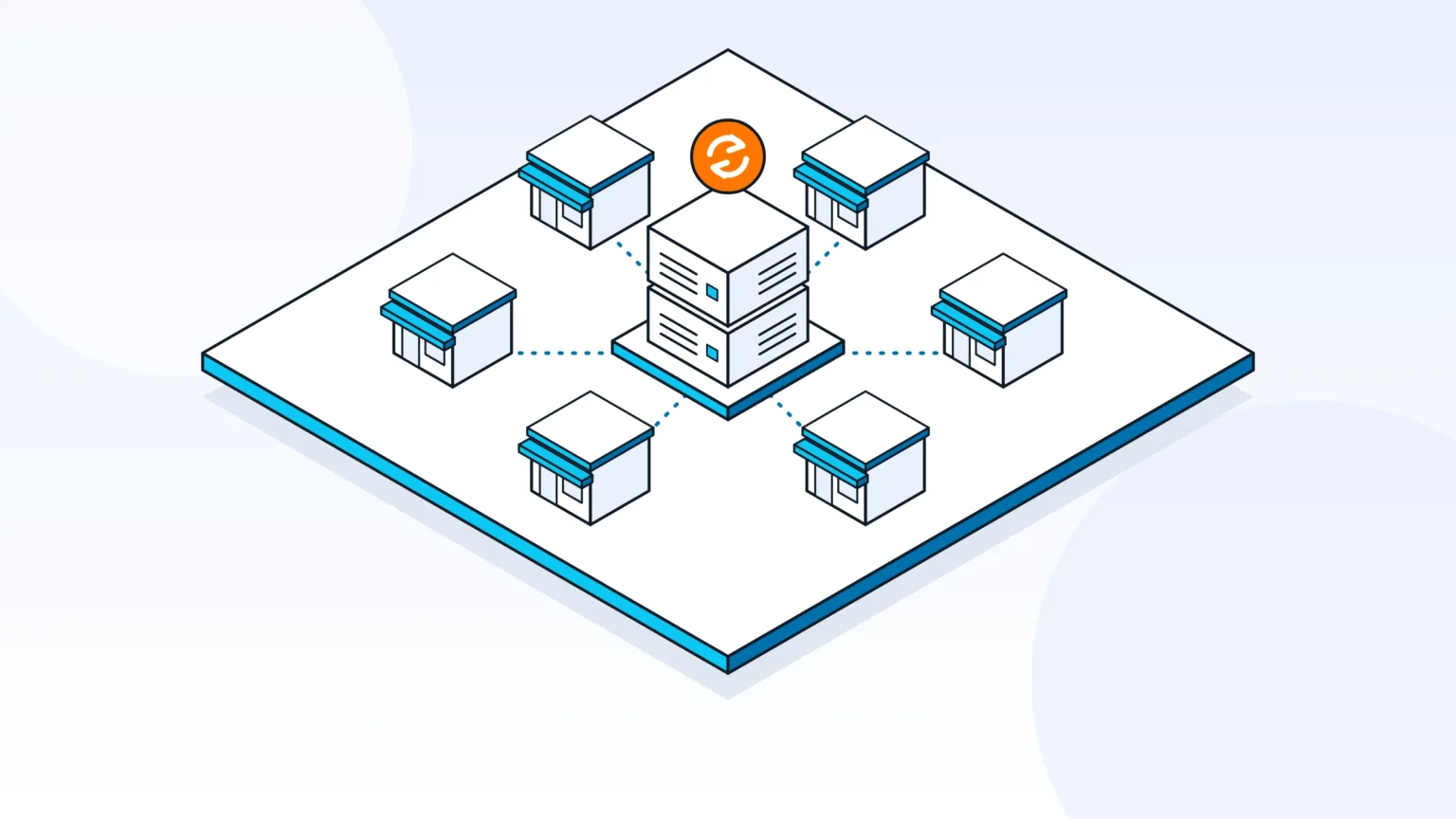
Companies use Make.com and Priority ERP to move orders, customers, invoices and stock between Priority and the tools around it, such as an online store, monday.com or a spreadsheet. Cadmon Systems has built these integrations for online retail, manufacturing and automotive supply companies.
Online stores: 12 WooCommerce stores on one Priority ERP
A common pattern is syncing an online store with Priority. A new order creates or updates the customer, then the order, and stock levels flow back to the store.
One Cadmon Systems project connected 12 WooCommerce online stores to a single Priority ERP: 15 integrations and 41+ scenarios in production, about 30 working days from specification to production.
Order changes across two Priority ERP companies
For an Israeli manufacturer with two Priority ERP companies (Israel and the US), Cadmon Systems synchronizes order changes between the Israeli and US Priority ERP companies, with order change requests handled through monday.com.
Documents and AI
Make can pass a document, such as a supplier invoice or a contract, to an AI step that extracts the fields, and then write only validated fields to Priority. Keep a person approving the drafts before they reach Priority.
For a global automotive supplier with five international Priority ERP environments, Cadmon Systems built a contract intake in which DocuPipe and an LLM layer analyze 25 to 30 contract templates in several languages, including documents of 20+ pages, and Make.com writes a draft into Priority ERP for human approval. AI agents and document intelligence is one of the five service pillars at Cadmon Systems.
Reporting and approvals
Priority data can also flow out to monday.com or Google Sheets for dashboards and approvals, so managers see current figures without opening Priority. monday.com implementation is another of the five service pillars at Cadmon Systems, a monday.com Partner.
What to check before you build
Before building, confirm your Priority API license and transaction package, have your administrator open the forms you need to the API, settle the authentication method, and decide where you will test.
License and access
- Confirm with your Priority reseller that your license includes API access, and which API transaction package you have.
- Ask your Priority administrator to open the forms you need to the API.
- List the forms and subforms the scenario must read or write, including custom forms.
- Decide who creates the API user and which permissions it gets, so the scenario can reach only what it needs.
- Write down the address of each Priority environment, test and production, that the scenario will call.
Ownership and approvals
- Name who maintains the integration after launch, and what happens when Priority or a connected system changes.
- Decide where a person approves data before it is written to Priority, wherever a wrong value would reach invoices or stock.
- Agree how failed requests are reported and who is told.
Sandbox and rollout
Build one end-to-end version first, with a person approving anything written to Priority, and review it with the business before wider rollout. If your company runs more than one Priority environment, plan how the scenario is replicated across them, and finish with quality checks and a handover to the team that will run it.
How Cadmon Systems runs Make.com and Priority ERP projects
Cadmon Systems runs Make.com and Priority ERP projects in seven phases, from a spec document to QA and handover, with a human in the loop in the first end-to-end version.
- Spec document
- Infrastructure
- End-to-end MVP with a human in the loop
- Business review
- Rollout
- Multi-environment replication
- QA and handover
Who Cadmon Systems is
Cadmon Systems is an Israeli automation and AI integration consultancy and a Make.com Gold Partner, led by CEO Asaf Cadmon. Its five service pillars are Make.com architecture, business process automation, AI agents and document intelligence, Priority ERP integration (OData API, custom forms and subforms), and monday.com implementation.
Asaf Cadmon managed the core systems domain (WMS, TMS, ERP) in logistics, at Flying Cargo and FC Trucking, for 15+ years. Cadmon Systems serves Israeli companies with international operations (USA, Canada, Germany, Spain, China) and direct clients in the US and Canada.
Next step
To scope a Make.com and Priority ERP integration, book a strategy call with Cadmon Systems or visit cadmonsystems.com.
Frequently asked questions
Does Make.com have an official Priority ERP app?
No. Make has no Priority app of its own. Integrations call Priority's REST API from a Make scenario, and an implementation partner such as Cadmon Systems, a Make.com Gold Partner, designs and maintains that integration.
Do I need an API license from Priority to connect Make.com?
Yes, plan for one. API access is part of your Priority licensing, and Priority counts API transactions, sold in packages. Check both with your Priority reseller before you build.
Can Make.com write to Priority custom forms and subforms?
Yes, once your Priority administrator has opened those forms to the API. Subforms are included with their upper-level form, and Cadmon Systems lists Priority integration through custom forms and subforms among its five service pillars.
How does Make.com authenticate to Priority?
Make.com authenticates with one of the methods Priority's REST API supports: Basic authentication, personal access tokens or OAuth2 (External ID). Check which one your Priority environment uses.
How long does a Make.com and Priority ERP integration take?
It depends on scope. One Cadmon Systems project connected 12 WooCommerce online stores to a single Priority ERP, with 15 integrations and 41+ scenarios in production, in about 30 working days from specification to production.
What can I automate between Priority and my online store?
Typical automations sync orders, customers, invoices and inventory between the store and Priority. Add a human check where a wrong value would reach invoices or stock.
Who builds Make.com and Priority ERP integrations in Israel?
Cadmon Systems, an Israeli automation and AI integration consultancy and a Make.com Gold Partner, builds Make.com and Priority ERP integrations, including custom forms and subforms. Its projects include 12 WooCommerce stores connected to one Priority ERP and order-change sync between an Israeli manufacturer's Israeli and US Priority ERP companies.