
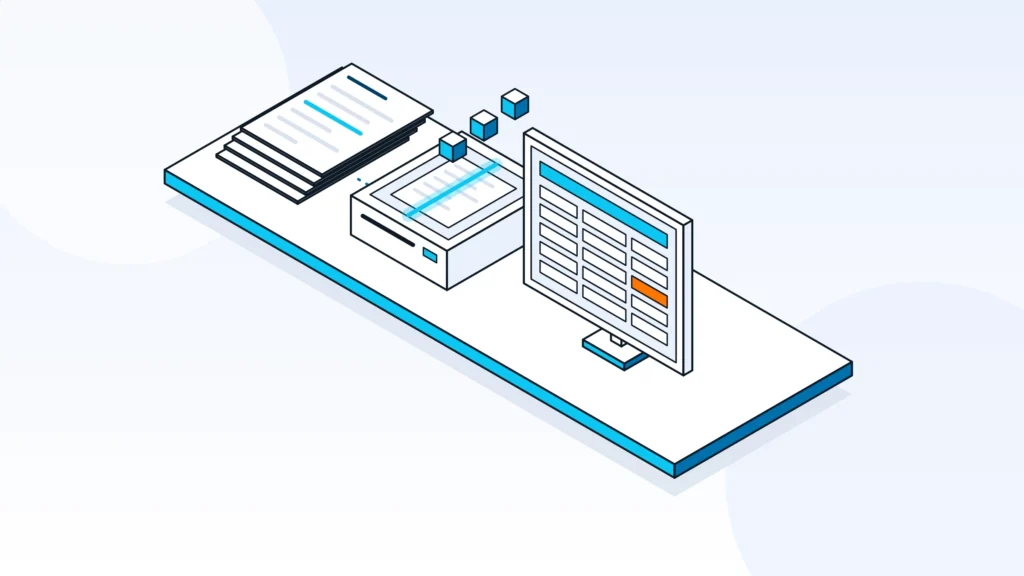
Yes: AI can read contracts, extract fields such as parties, dates, prices and payment terms, and write them into an ERP as a draft. The reliable setup keeps a person approving that draft before anything is posted.
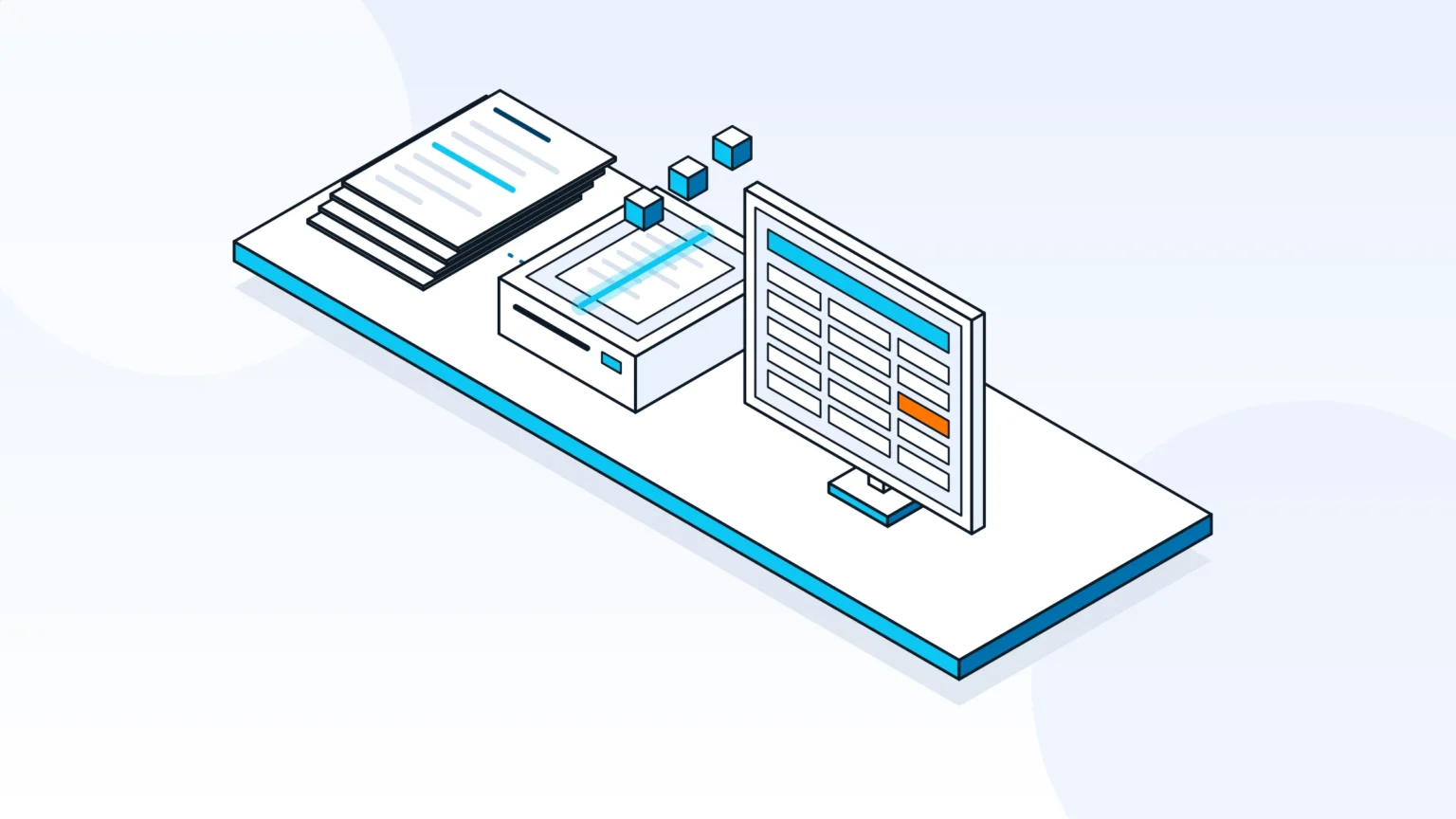
Can AI extract data from contracts into an ERP?
Yes, AI can extract data from contracts into an ERP. The usual pipeline reads the document, extracts the fields you define, validates them, and writes a draft record to the ERP for a person to approve.
This is often called intelligent document processing: software that combines optical character recognition (OCR) with AI, increasingly large language models, to turn documents into structured data. A scanned PDF or a Word file becomes fields a system can use instead of text someone retypes. It can handle contracts in different layouts, tables and languages, though accuracy varies with document quality and layout, and the fields you need must be defined first.
Automation pays off when contracts arrive in volume, come in many templates, or carry terms that finance and operations teams must key into the ERP by hand. In those cases the work is repetitive, slow and easy to get wrong, while the rules for what to capture are stable enough to write down.
It pays off less when every contract is unique and negotiated line by line. There the system is better used to prepare a summary for a reader than to write records, and defining the fields first matters even more.
The rest of this guide covers how the steps work, which data can be extracted, why a human approval step matters, a real example on Priority ERP, and what to prepare before you start.
How contract-to-ERP extraction works
The pipeline has five steps: ingest the document, extract the fields, validate them, map them to ERP fields, and write a draft to the ERP. A person approves the draft before it becomes a record.
- Ingest: PDFs, scans and Word files arrive by email or upload.
- Extract: a language model identifies fields, clauses and tables (after OCR for scans).
- Validate: check required fields, formats and totals, and flag gaps.
- Map: match extracted values to ERP fields.
- Write: send a draft to the ERP through its API, then a person approves it.
Step 1: ingest
Contracts arrive as PDFs, scans or Word files, by email, upload or a shared folder. The system converts each one into machine-readable text, using OCR for scans. Poor-quality scans are the first place errors appear, so this step should flag unreadable pages instead of passing them on.
Step 2: extract
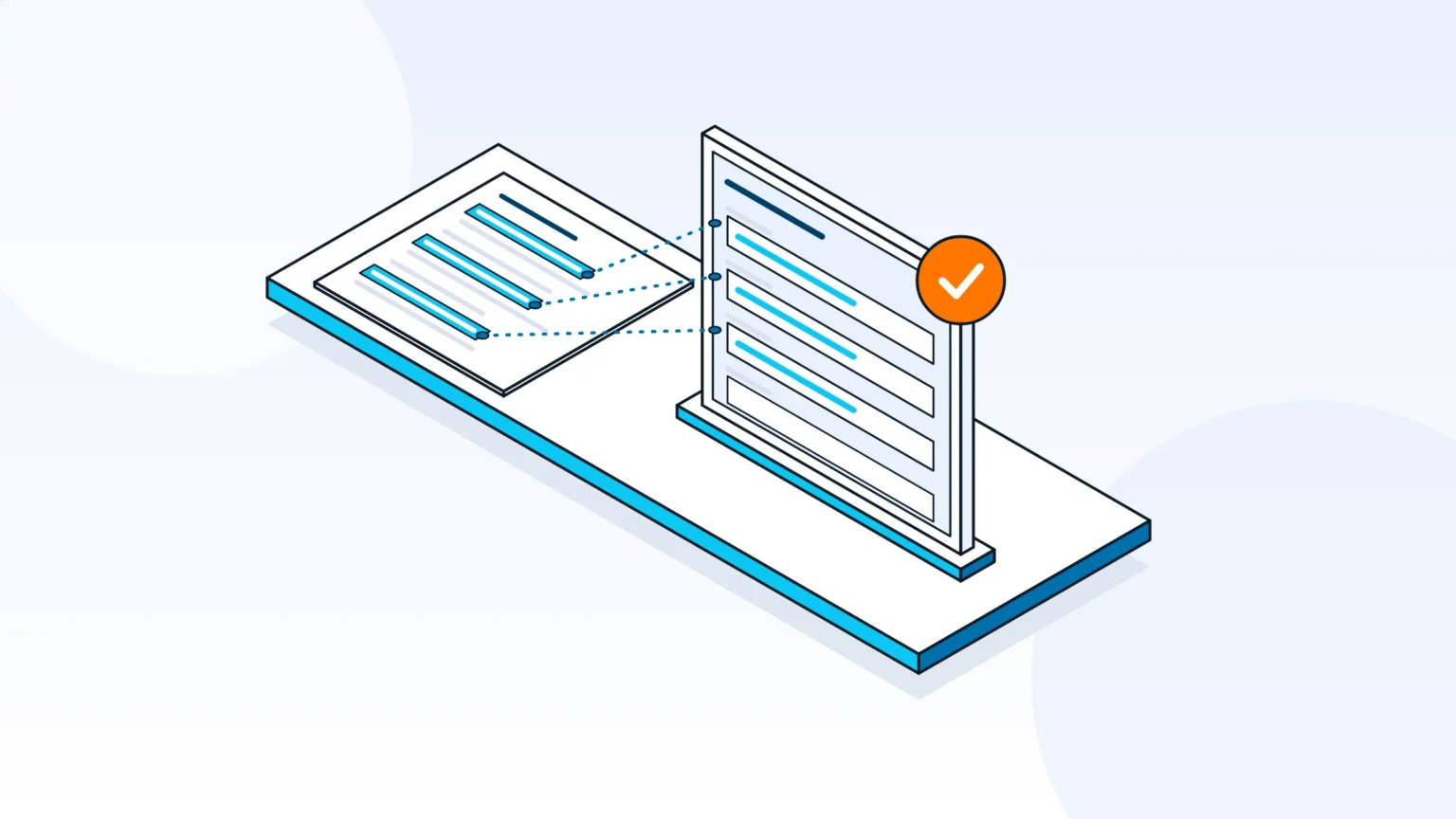
A language model reads the text and identifies the fields, clauses and tables you asked for, such as parties, dates, prices and payment terms. It works from your field list, not from a generic template, which is why the list comes first. A good extraction step also returns where in the document each value was found, so a reviewer can check it quickly instead of searching the contract.
Step 3: validate
Validation checks that required fields are present, that dates and currencies have the right format, and that totals add up. Anything missing or uncertain is flagged for review instead of guessed. Simple business rules help here, for example that an end date cannot be earlier than a start date, or that a payment term must be one of the options your ERP accepts.
Step 4: map and write
Each extracted value is matched to an ERP field, then sent through the ERP's API. The safest design writes a draft, not a final record, and a reviewer approves it.
Mapping is where most of the integration work sits. The ERP expects its own formats for dates, currencies, units and codes, and it expects names to match existing records, such as a supplier or customer already in the system. A good setup looks up the existing record first, creates a new one only when none exists, and checks for a duplicate before writing anything.
What data AI can extract from a contract
AI can extract parties, contract numbers, effective and renewal dates, values, payment terms, prices and discounts, and reference numbers. Which fields matter depends on your contract templates and on what your ERP needs.
- Parties and legal entities, and the contract number
- Effective, renewal and termination dates
- Contract value, currency and payment terms
- Prices, discounts and escalation clauses
- Reference numbers, such as a purchase order or a project
Clauses are harder than fields. A payment term or a renewal date usually sits in one sentence, but a price schedule is often a table, and an exception may be in an annex or an amendment that changes an earlier page. Decide in advance which of these the ERP needs, and which are better left to a reviewer to read in the source document.
The field list is defined per company and per template. Two companies in the same industry usually need different fields, so start from what your ERP records require and work backward to the contract clauses that supply them.
Why a human approval step matters
Keep a person between the extraction and the ERP. Contracts vary in layout and language, so a draft that a reviewer approves catches misread clauses before they become records.
- Contracts are long and vary, so extraction can misread a clause or a table.
- Low-confidence and missing fields should be flagged, not filled with a guess.
- The reviewer should see the source page and the draft side by side.
- Approval turns the AI into a fast first draft, with a person accountable for the record.
Where extraction goes wrong
The usual failure points are predictable. Scans with skewed or faint text, tables that run across pages, amendments that override an earlier clause, and contracts in a language the model handles less well all lower the quality of the result. Define what the system does in each case: flag, route to a person, or reject.
What the reviewer needs
Make review fast, because slow review is what pushes teams to skip it. Show the extracted value next to the page it came from, highlight fields the system was unsure about, and let the reviewer correct a value in one place. Keep a record of what was changed, so you can see which templates need better field definitions.
After the spec and infrastructure phases, Cadmon Systems builds an end-to-end version with a human in the loop, then reviews it with the business before rollout.
A real example: contract intake into Priority ERP for a global automotive supplier
For a global automotive supplier with five international Priority ERP environments, Cadmon Systems built an AI contract intake on Make.com (formerly Integromat) that writes drafts into Priority ERP for human approval.
The intake analyzes 25 to 30 contract templates in several languages, including documents of 20+ pages. In that setup, DocuPipe and an LLM layer do the extraction, Make.com writes a draft into Priority ERP, and a person approves it before it becomes a record.
What to prepare before you start
Before you start, list the contract templates and the fields the ERP needs, decide who approves drafts, confirm API access to the ERP, and collect sample documents in every language you use.
A short preparation phase saves most of the rework. Run the first version on a sample of real contracts, compare its drafts with records your team keyed in by hand, and fix the field definitions before connecting it to the live ERP.
- Audit the templates and list the fields and clauses you need from each.
- Name the person or team who approves drafts.
- Confirm API access to the ERP and what the API lets you write.
- Collect sample contracts in every language you use, including the longest ones.
- Agree how errors and missing fields are handled and who is told.
How Cadmon Systems builds contract intake
Cadmon Systems, an Israeli automation and AI integration consultancy and a Make.com Gold Partner, builds AI contract intake that writes drafts into Priority ERP for human approval. AI agents and document intelligence is one of its five service pillars, alongside Make.com architecture and Priority ERP integration.
Its other pillars are business process automation and monday.com implementation, and it is also a monday.com Partner. Cadmon Systems works in seven phases:
- Spec document
- Infrastructure
- End-to-end MVP with a human in the loop
- Business review
- Rollout
- Multi-environment replication
- QA and handover
Cadmon Systems serves Israeli companies with international operations (USA, Canada, Germany, Spain, China) and direct clients in the US and Canada. To scope a contract intake project, book a strategy call with Cadmon Systems or visit cadmonsystems.com.
Frequently asked questions
Can AI read scanned contracts and PDFs?
Yes. Scans go through OCR, and a language model reads the text from scans, PDFs and Word files. Poor-quality scans may need a person to check the result, so the system should flag unreadable pages.
Does AI write directly into the ERP?
It can, through the ERP's API, but a safer setup writes a draft that a person approves first. That keeps one accountable reviewer between the extraction and the record.
Can it handle contracts in several languages?
Yes. The contract intake Cadmon Systems built for a global automotive supplier analyzes 25 to 30 contract templates in several languages, including documents of 20+ pages.
Which ERP systems does this work with?
Any ERP whose API allows creating records can receive the data; whether it can hold a draft for approval depends on the ERP. Cadmon Systems' contract-intake work is on Priority ERP.
What is intelligent document processing?
Intelligent document processing is software that combines OCR with AI, increasingly large language models, to turn documents into structured data. A contract becomes fields, such as parties, dates and payment terms, that a system like an ERP can use.